Funny Christmas cards
Let your family ride in Santa’s sleigh or try gingerbread surfing. Create your own Christmas adventure and add a personal greeting.
Make funny Christmas cards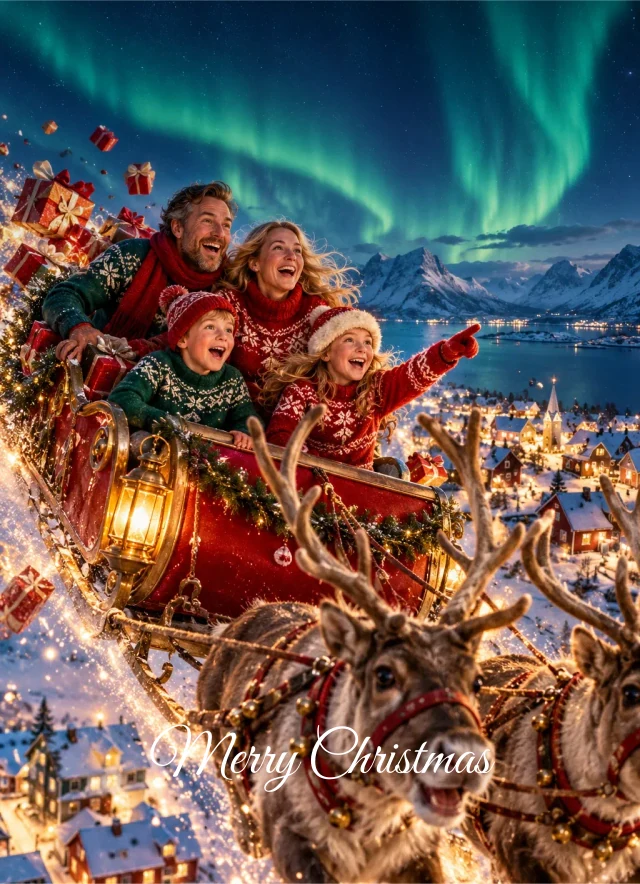
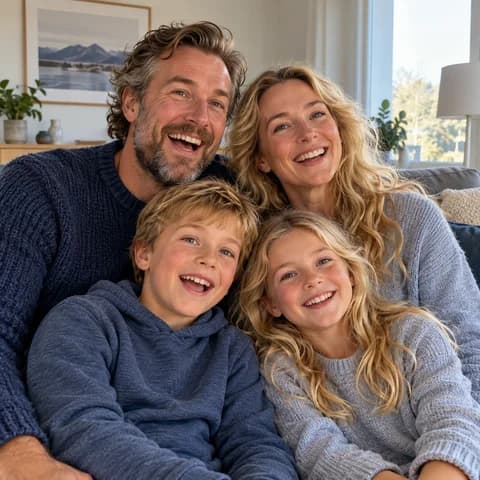
Send a personal Christmas greeting with photos from the past year. Find tips for your photos and wording, and choose a card that feels like you.
Let your family ride in Santa’s sleigh or try gingerbread surfing. Create your own Christmas adventure and add a personal greeting.
Make funny Christmas cardsMake your own photos the centrepiece. Choose a finished design, add your photos and write a personal Christmas greeting.
See classic Christmas cardsYou do not need a festive photo or a long message to get started.
Here at PixOfUs, you can use your own photos on a classic Christmas card or create a funny Christmas picture starring your family. Choose a design you like.
For classic cards, add your photos directly to the design. For funny cards, choose a theme and photos of your family. Your Christmas picture is created with AI.
Personalise the message and add your names. A short greeting is enough, but you can also share a little memory from the past year.
Look through every side and check photos, names and wording. Choose your quantity and paper. Premium envelopes are included.
Write as you would speak to the person receiving your card. Here are four Christmas greetings to use as they are or make your own.
Merry Christmas and a happy New Year from us!
Thank you for the lovely moments we have shared this year. Wishing you a very merry Christmas!
Sending warm Christmas wishes to those we wish we could celebrate with.
This year’s family photo is almost normal. Merry Christmas from the whole gang!
Want to make your greeting more personal? Mention a trip, a visit or a little moment you remember. Finish with your names, and add the year if you like.
Found a greeting you like? Choose a classic Christmas card for your photos, or create your family’s own Christmas adventure with PixOfUs.
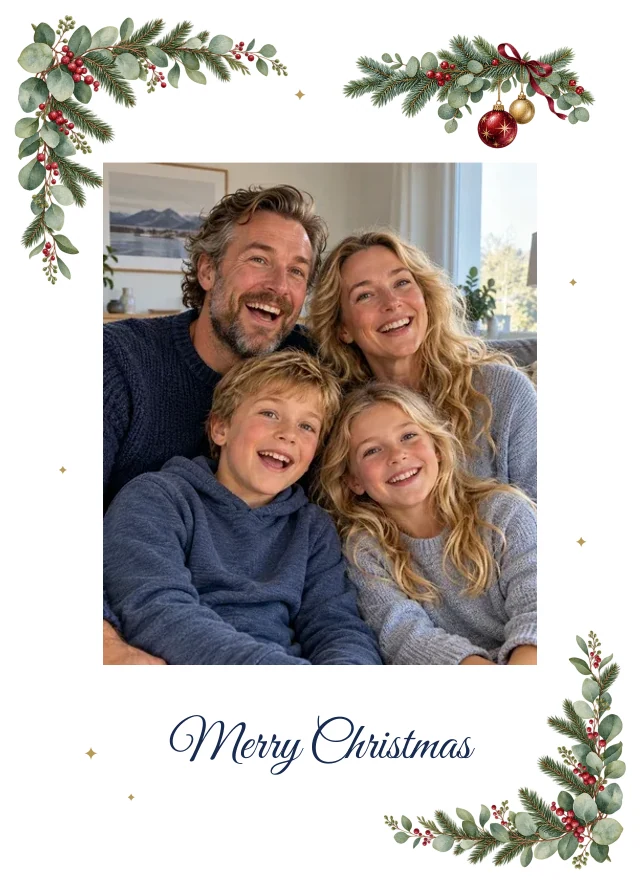
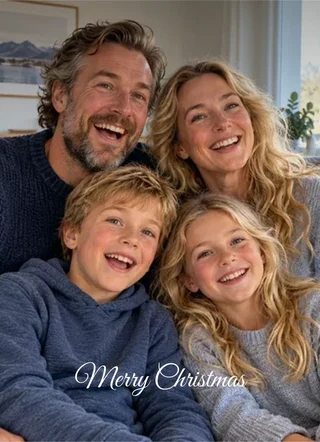
An everyday moment can be just as lovely as a posed family portrait. Choose a photo you like and see how it looks in your card design.
Let the photo lead
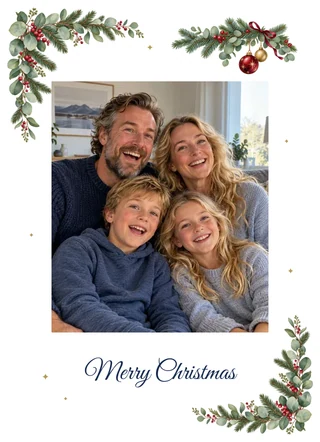
With a decorative frame
A front and back give you room for photos and a Christmas greeting. A good choice for a simple card.
Four sides give you more space for photos and a longer greeting. Choose a design with several photo spaces to share more memories from the year.
Cards are ordered in packs of 10 identical cards. Each card design shows the price for one pack. Compare prices for the different formats here.
Expected delivery is shown before payment. Allow time for onward mailing if you plan to send the cards to others.
Allow time for production, delivery to you and posting your cards onwards. You see the delivery estimate before paying. It covers delivery to you, rather than arrival with the people you send your cards to.
Post your cards well before Christmas and allow extra time for international mail. Deadlines vary by country and service. Check this year’s deadlines with Posten when planning your mailing.
See Posten’s mailing deadlinesYes, choose a design with several photo spaces. The number of spaces depends on the design and card format. Browse every side in the preview to find a card that suits your photos.
Yes. Write your own Christmas greeting and change names and other wording. Check every side before ordering so the sample wording is replaced with what you want to say.
Choose your card quantity, format and paper. A premium envelope for every card is included.
Yes. Browse every side and adjust photos and wording before deciding to order. Pay particular attention to names, the year and how photos are cropped.
Yes. When you make a classic card without signing in, your work is saved in your browser. Continue on the same device and browser, or sign in to save the card to your account. Clearing browser data before the card is saved to your account may remove your work.
Send a personal Christmas greeting with photos from the past year. Find tips for your photos and wording, and choose a card that feels like you.
Let your family ride in Santa’s sleigh or try gingerbread surfing. Create your own Christmas adventure and add a personal greeting.
Make funny Christmas cardsMake your own photos the centrepiece. Choose a finished design, add your photos and write a personal Christmas greeting.
See classic Christmas cardsYou do not need a festive photo or a long message to get started.
Here at PixOfUs, you can use your own photos on a classic Christmas card or create a funny Christmas picture starring your family. Choose a design you like.
For classic cards, add your photos directly to the design. For funny cards, choose a theme and photos of your family. Your Christmas picture is created with AI.
Personalise the message and add your names. A short greeting is enough, but you can also share a little memory from the past year.
Look through every side and check photos, names and wording. Choose your quantity and paper. Premium envelopes are included.
Write as you would speak to the person receiving your card. Here are four Christmas greetings to use as they are or make your own.
Merry Christmas and a happy New Year from us!
Thank you for the lovely moments we have shared this year. Wishing you a very merry Christmas!
Sending warm Christmas wishes to those we wish we could celebrate with.
This year’s family photo is almost normal. Merry Christmas from the whole gang!
Want to make your greeting more personal? Mention a trip, a visit or a little moment you remember. Finish with your names, and add the year if you like.
Found a greeting you like? Choose a classic Christmas card for your photos, or create your family’s own Christmas adventure with PixOfUs.
An everyday moment can be just as lovely as a posed family portrait. Choose a photo you like and see how it looks in your card design.
Let the photo lead
With a decorative frame
A front and back give you room for photos and a Christmas greeting. A good choice for a simple card.
Four sides give you more space for photos and a longer greeting. Choose a design with several photo spaces to share more memories from the year.
Cards are ordered in packs of 10 identical cards. Each card design shows the price for one pack. Compare prices for the different formats here.
Expected delivery is shown before payment. Allow time for onward mailing if you plan to send the cards to others.
Allow time for production, delivery to you and posting your cards onwards. You see the delivery estimate before paying. It covers delivery to you, rather than arrival with the people you send your cards to.
Post your cards well before Christmas and allow extra time for international mail. Deadlines vary by country and service. Check this year’s deadlines with Posten when planning your mailing.
See Posten’s mailing deadlinesYes, choose a design with several photo spaces. The number of spaces depends on the design and card format. Browse every side in the preview to find a card that suits your photos.
Yes. Write your own Christmas greeting and change names and other wording. Check every side before ordering so the sample wording is replaced with what you want to say.
Choose your card quantity, format and paper. A premium envelope for every card is included.
Yes. Browse every side and adjust photos and wording before deciding to order. Pay particular attention to names, the year and how photos are cropped.
Yes. When you make a classic card without signing in, your work is saved in your browser. Continue on the same device and browser, or sign in to save the card to your account. Clearing browser data before the card is saved to your account may remove your work.